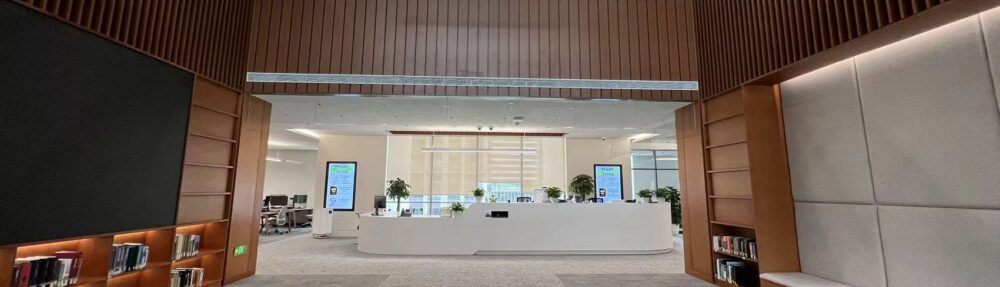
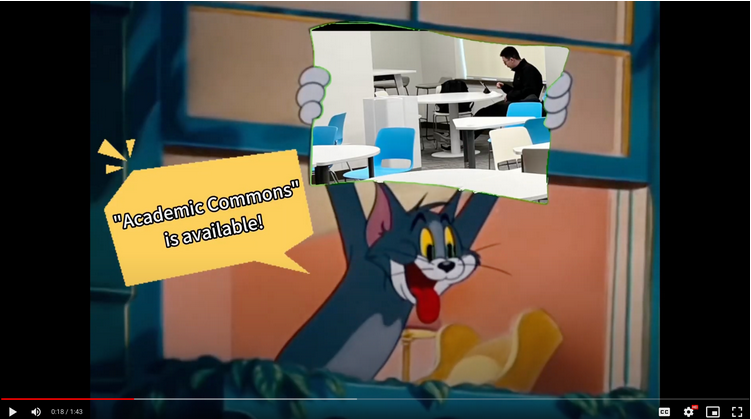
Academic Commons is a versatile and dynamic space meticulously crafted to foster collaborative work and inspire creativity. This vibrant space offers a multitude of furniture configurations, carefully selected to accommodate diverse needs and preferences.
To gain a deeper understanding of the thoughtfully designed space, we invite you to click on the video below.
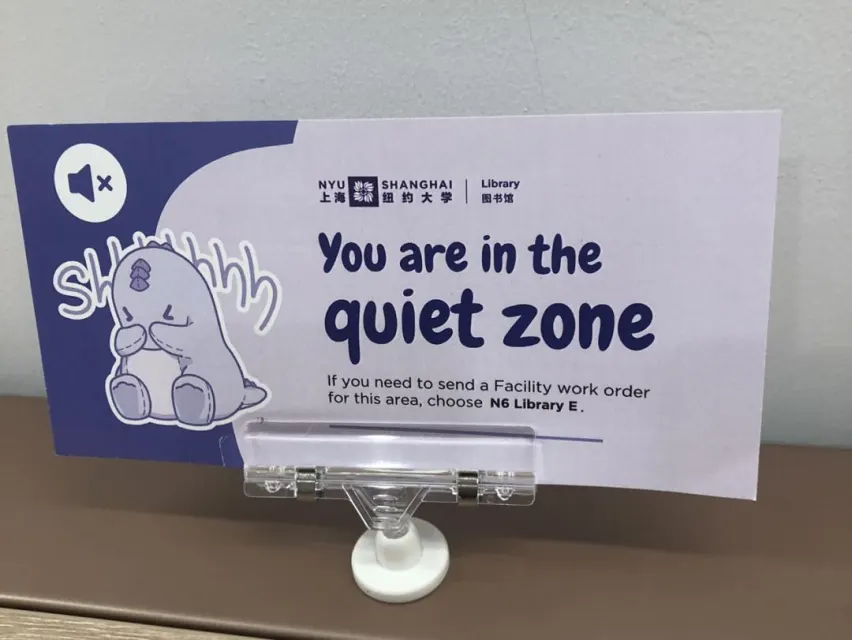
Hi Roary, just to clarify, the library’s “Quiet Zone” is on the 6th floor, right?
Yes, the entire 6th floor and the Course Reserve and Media Room on the 5th floor are quiet zones where no talking is permitted.
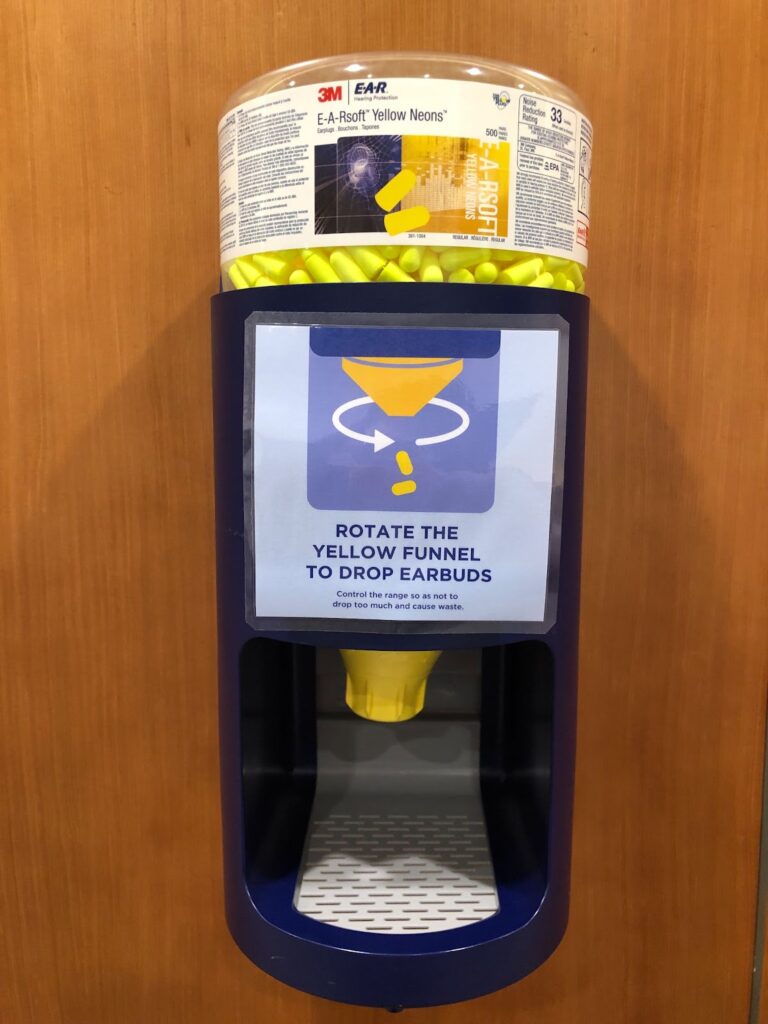
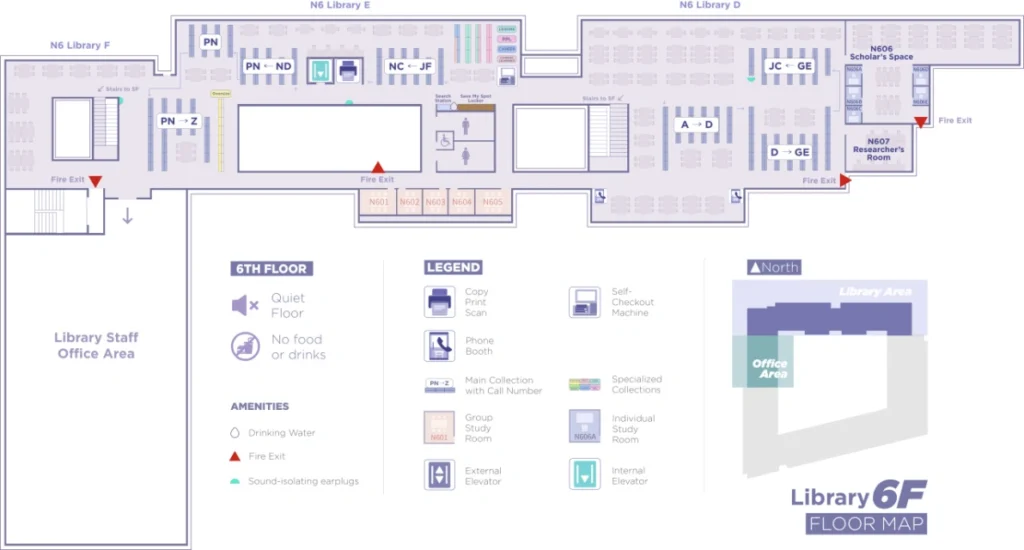
The library also provides complimentary earplugs to help block out distractions in the “quiet zone.” You can find dispensers for earplugs in two locations: one beside the stairs in front of the 6th-floor library offices and another across from the elevator on the 6th floor.
Usually, I prefer working in quiet, but today I’m looking for a spot to work on a group project. We will be talking to each other and watching videos. Where would be the best study spot for us?
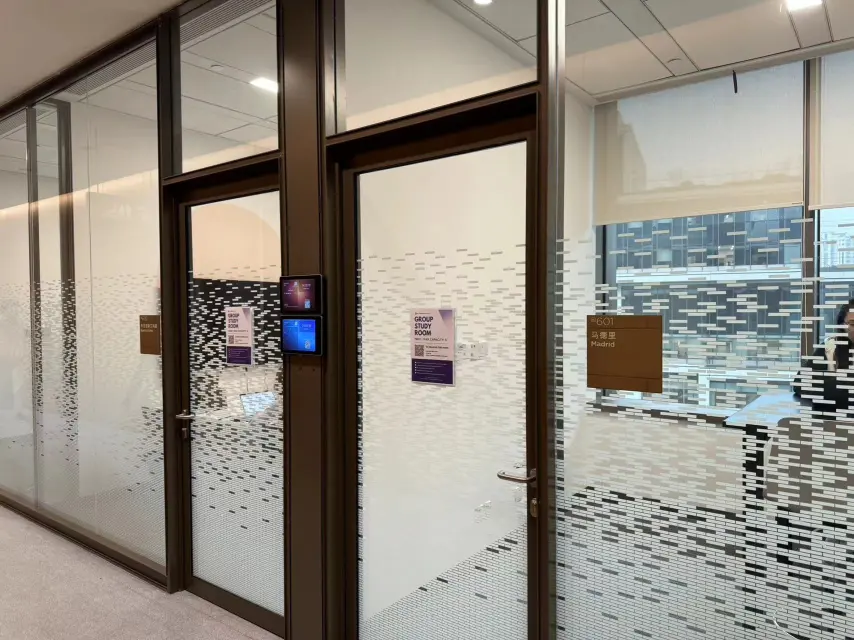
For lively discussions, playing videos without headphones, or joining video calls or Zoom meetings, you should go to the “Collaborative Zone” which are the group study rooms.
Happy studying, we hope that you now know the different library volume zones!
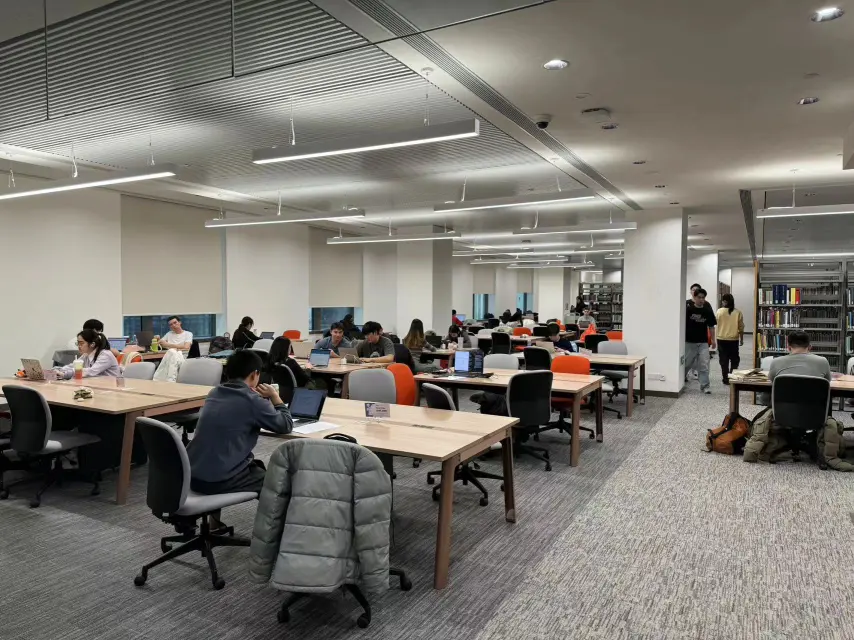
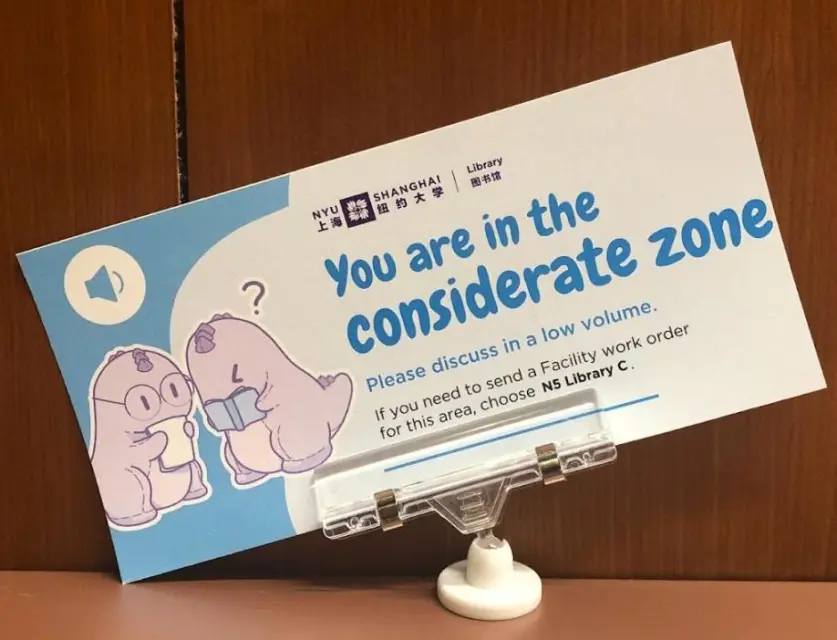
Hi Roary, I noticed there are new signs on the library tables labeled with zone designations. I was sitting at a “considerate zone” table the other day. It says we should discuss in a low volume. What other library zones are there?
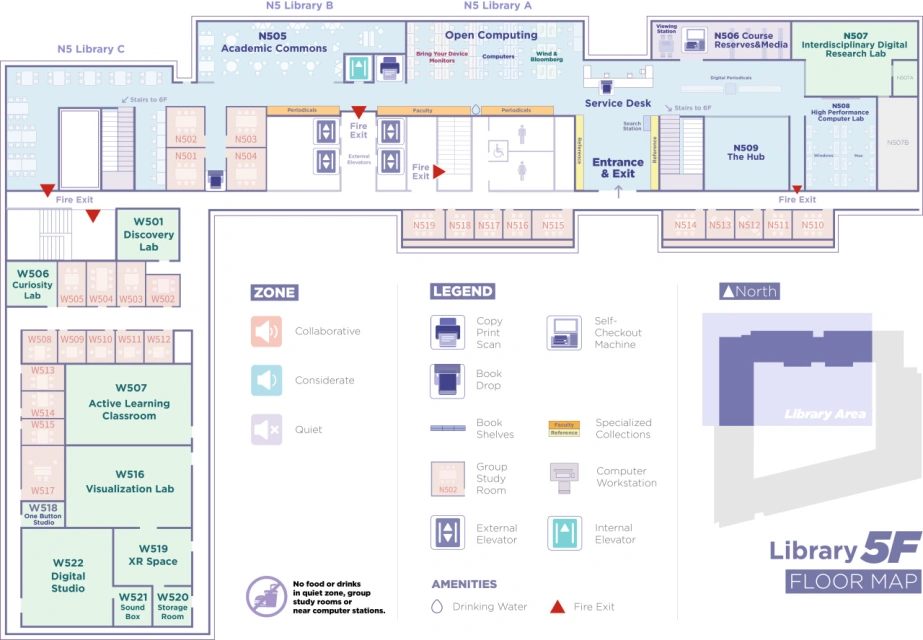
Currently, three types of spaces in the library accommodate different student study needs: Considerate, Quiet, and Collaborative. The floor map delineates three library zones in distinct color.
The “considerate zone” is the majority of the library’s 5th floor, except the Course Reserve & Media room, which is a “quiet zone.”
Typically, I prefer working in the quiet zone, but today I’m looking for a spot to work on a report with classmates. We will mostly be on our laptops researching and occasionally talking to each other to figure out the data we want to use for the report. Can we do this in the “considerate zone”?
Yes, I recommend “Academic Commons” in the “Considerate Zone” as the most suitable space for this requirement. Please be mindful of those around you and keep your discussion volumes low.
We will choose “Academic Commons” as a perfect space for our work. Thanks Roary!
No problem, ask me any other questions that you may have at any time!
Next to the Open Computing area and facing the Academic Commons, you’ll find the Periodicals collection, where all our print periodicals, such as magazines are kept.
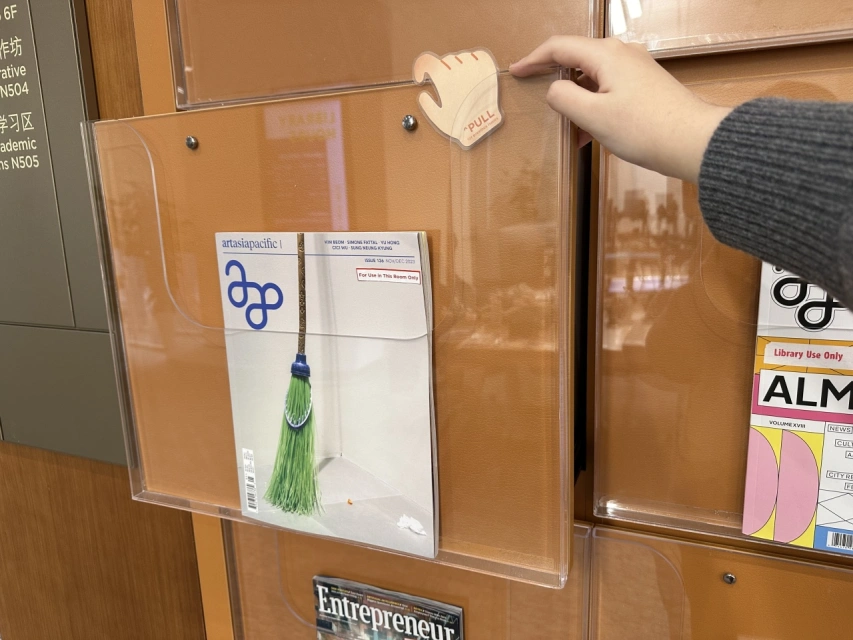
When you approach, you’ll notice that each print periodical has its latest issue displayed inside the outermost acrylic pocket.
It’s a convenient way to see the most recent releases at a glance.
But wait, what’s up with that little hand on the top right corner of the pocket?
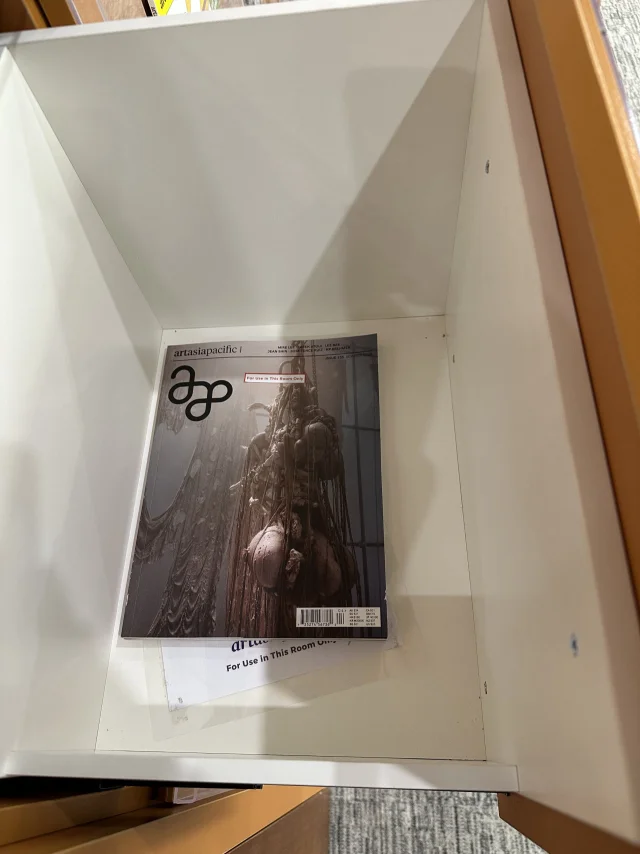
Well, it’s there to guide you on the correct way to pull out the drawer and access the back issues stored inside.
It’s super easy, my friend! So, get ready for an exciting adventure in the library as you dive into the world of our periodicals collection. Let the exploration begin!
Please note that the materials in the Periodicals collection are for library use only.
Due to planned system maintenance, the library online catalog and catalog search tools will be offline for approximately 2 hours, from 4:00 PM to 6:00 PM CST.
We apologize for any inconvenience. If you need assistance during the outage, please don’t hesitate to reach out to us. You can visit the library in person, contact us by phone at +86 21 20595615, email us at shanghai.library@nyu.edu, or use the chat widget on the library website.
Looking for a specific book on the shelves but don’t know where to start? Don’t worry! Let Roary guide you through the process.
STEP 1
Start by searching for the title of the book on our website. Once you find the book in our catalog, click on the title to access the result page.
STEP 2
Take note of the Call Number – this is a combination of letters and numbers that tells you where the book can be found on our shelves. Look out for the first one or more letters of the Call Number. For example, here is a Call Number that begins with ‘QD‘, and this book is currently available at NYU Shanghai Library in the Main Collection.
STEP 3
Follow the trail of numbers in the Call Number to uncover your book, waiting for you on its very own shelf on the 6th floor. 📚
Congratulations! You’ve successfully located the book. Enjoy your trip to the library!
*More details are coming up in next week’s video.*
This fall the NYU Division of Libraries has been working on a system migration project to better support our online catalog and the materials we can offer our users.
The migration will be complete in early January and released on January 8th, 2024.
Here’s What to Expect
The catalog interface will look and feel very similar but will include a few big updates & features:
A large percentage of articles NYU subscribes to will now be findable in the catalog. You’ll be able to search for books, journals, articles, and more in one location.
The EBSCO Discovery (EDS) article search tool on the Articles & Databases page will be retired in summer 2024.
Saved items will be managed directly in the catalog system. No more having to go to the external eShelf tool.
Streamlined requesting process. Make Interlibrary Loan requests from within the catalog for items that aren’t available at NYU.
We’ll be moving away from the “BobCat” branding for the catalog.
The tools we use behind the scenes will be all new and will help our staff better manage our millions of items.
Due to system migration, there are changes to borrowing and request services during December 2023 and January 2024.
Important Service Changes
Fri. Dec. 15 – last day to place an Interlibrary Loan request. We recommend requesting ILL services as early as possible to accommodate your research needs.
Fri. Dec. 22 – last day to borrow and return library materials at the circulation desk, and renew eligible items online. Self-checkout will be unavailable after 5:00 PM. Any changes made to your Library Account or the status of borrowed or returned items after this date will not be reflected until January.
Fri. Dec. 22, 2023 – Wed. Jan 3, 2024
The circulation desk will close at 5:00 PM on Dec. 22 and reopen on Jan. 3, 2024. Visit our hours page for details.
Book drops will be available if you wish to return items but items will not be checked in until the system migration is completed in early January. Any fines accrued during this period will be waived when these items are returned.
Should you have any questions and concerns, please contact shanghai.circulation@nyu.edu so that we can work with you individually.