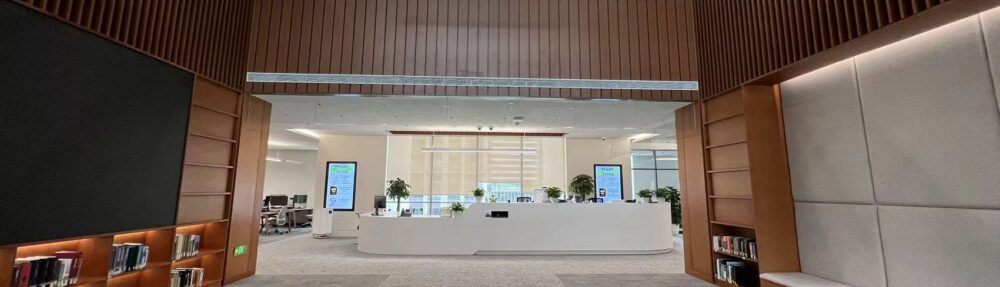
We understand that during finals, seats are especially precious, and unattended items are becoming more common.
When you encounter items occupying the seats you need, please feel free to use our Save My Spot lockers as long as they follow the Respectful Item Removal Guidelines.
We really appreciate students who help keep study spaces available for everyone and maintain a fair and respectful study environment by using seats responsibly.
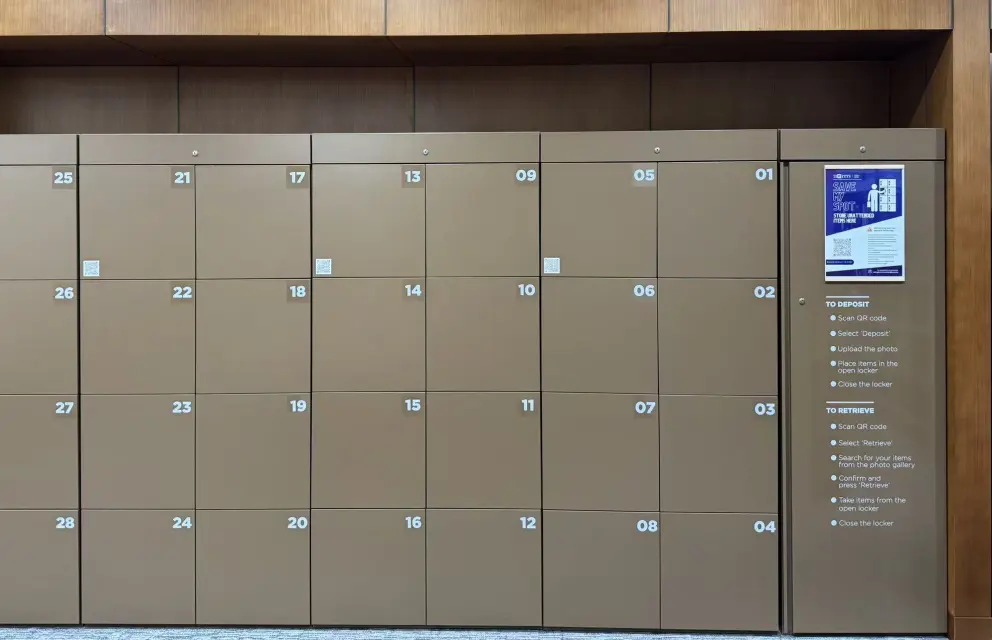
(Save My Spot Lockers, N6 Library E)
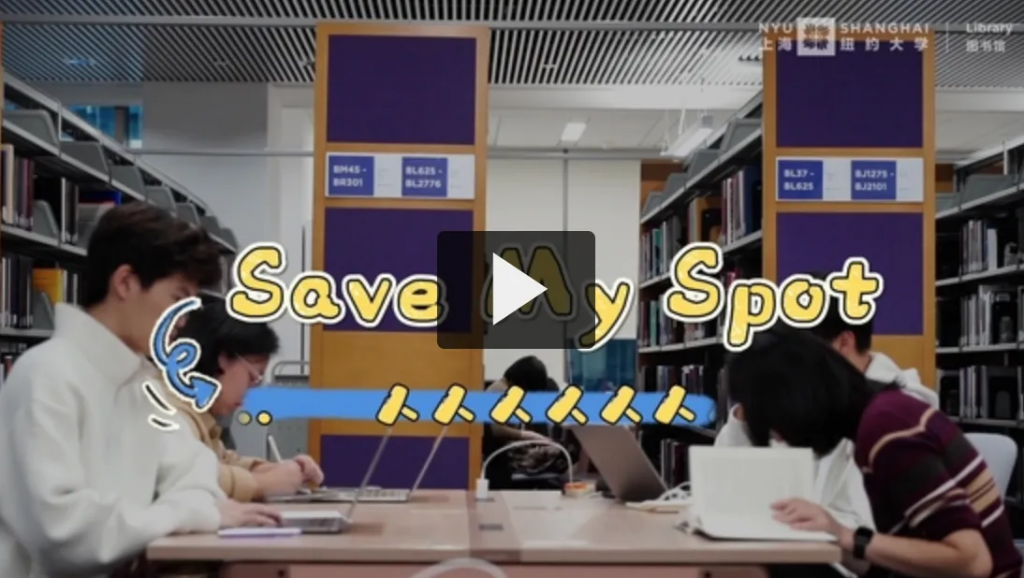
To ensure you have the best experience when using ‘Save My Spot’, please check out this introduction video:
Step 1: Scan
Scan the desk QR code to confirm the seat is not reserved.
Step 2: Record
Take a photo of the unattended items.
Step 3: Store
Scan the locker QR code →
Select Deposit → upload the photo → place items inside.
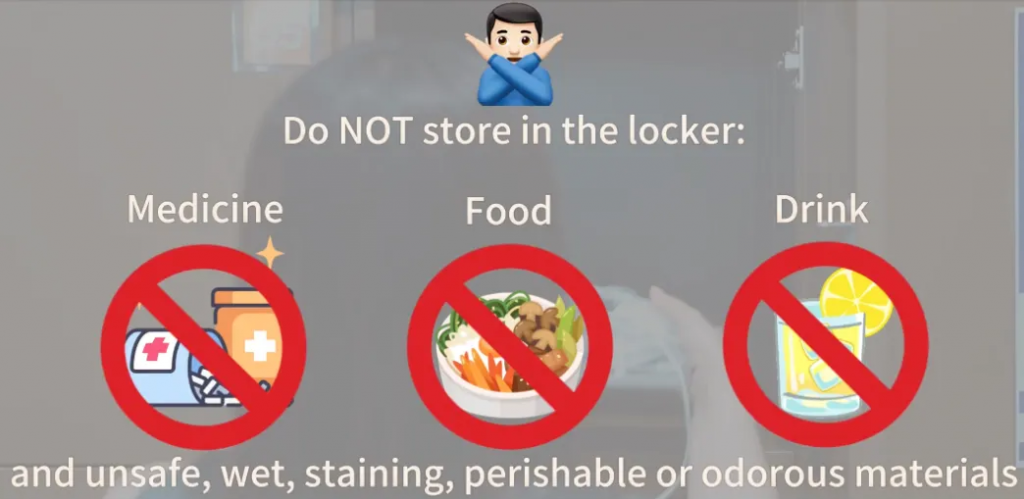
Please avoid placing your personal belongings inside. If you need assistance collecting valuables, please contact library staff during our opening hours.